








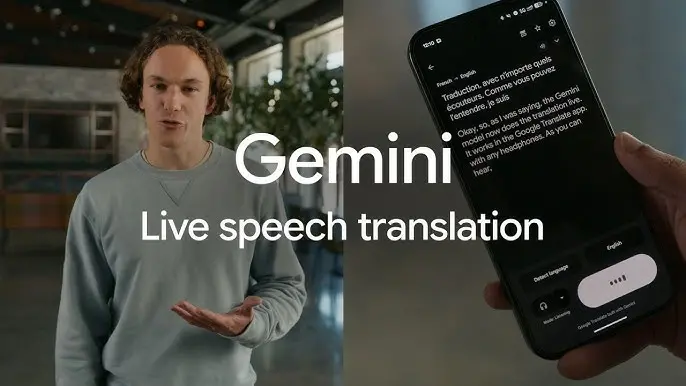
Gemini live speech-to-speech translation allows users to speak in one language and hear instant spoken translations in another language. Using AI-powered voice recognition and real-time processing, Gemini enables natural, hands-free multilingual conversations across travel, business, and daily communication.
KumDi.com
Gemini live speech-to-speech translation is a powerful AI feature that enables real-time multilingual communication by translating spoken language instantly into natural-sounding speech. Designed for seamless conversations, this technology helps users communicate effortlessly across languages for travel, business meetings, education, and everyday interactions.
Language differences have always been one of the biggest obstacles to global communication. Whether you are traveling abroad, attending international meetings, learning a new language, or speaking with customers from different countries, real-time translation is no longer a luxury — it is a necessity.
Google’s Gemini live speech-to-speech translation represents a major leap forward in artificial intelligence–powered communication. Unlike traditional translation tools that rely on text input, Gemini enables natural, real-time spoken conversations, translating speech instantly from one language to another while preserving tone, flow, and meaning.
This guide explains what Gemini live speech-to-speech translation is, how it works, how to use it step by step, and how to get the best results, whether you are a casual user or a professional.
Table of Contents

What Is Gemini Live Speech-to-Speech Translation?
Gemini live speech-to-speech translation is an AI-powered system that allows users to speak in one language and hear the translated version spoken aloud in another language in real time.
Unlike older translation methods that follow a rigid sequence (speech → text → translation → text → speech), Gemini performs these steps seamlessly and almost instantly. This allows conversations to flow naturally, making interactions feel closer to speaking with a real human interpreter.
Key characteristics include:
- Real-time voice recognition
- Automatic language detection
- Context-aware translation
- Natural-sounding synthesized speech
- Support for many global languages
Why Gemini Live Translation Is Different from Traditional Tools
Traditional translation apps often require users to stop speaking, wait for processing, and read translated text. Gemini live translation removes these friction points.
1. Continuous Listening
Gemini can listen continuously rather than processing one sentence at a time.
2. Context Awareness
The system understands conversational context, idioms, and intent rather than translating word by word.
3. Natural Voice Output
Instead of robotic audio, Gemini produces smooth, human-like speech that matches conversational pacing.
4. Hands-Free Communication
With headphones or earbuds, users can translate conversations without touching their device.
Devices and Platforms That Support Gemini Live Translation
Gemini live speech-to-speech translation is designed to work across multiple environments.
Mobile Devices
- Android smartphones and tablets
- Bluetooth headphones or earbuds (recommended for best experience)
Google Apps
- Google Translate (live conversation mode)
- Gemini-powered voice features in supported apps
Professional and Enterprise Use
- Video conferencing tools
- Customer support platforms
- AI-powered communication systems
Availability may vary by region and language, but support is expanding continuously.
Step-by-Step Guide: How to Use Gemini Live Speech-to-Speech Translation
Step 1: Install or Update the Google Translate App
To access Gemini live translation features:
- Open the app store on your device
- Search for Google Translate
- Install or update to the latest version
New features require the most recent version of the app.
Step 2: Prepare Your Audio Setup
For the best real-time translation experience:
- Use Bluetooth headphones or earbuds
- Ensure the microphone is clear and unobstructed
- Choose a quiet environment when possible
Headphones allow you to hear translations privately and clearly.
Step 3: Open Live Translation Mode
- Launch the Google Translate app
- Select the Live translate or Conversation option
- Choose your source and target languages
- Or enable automatic language detection
Gemini can often detect the spoken language without manual selection.
Step 4: Start Speaking Naturally
Speak as you normally would. There is no need to slow down excessively or exaggerate pronunciation.
Gemini will:
- Listen to your speech
- Translate it instantly
- Play the translated version aloud
The process happens in near real time, allowing natural conversation flow.
Step 5: Switch Speakers Seamlessly
In two-way conversations:
- Each person speaks in their own language
- Gemini detects and translates both sides automatically
This makes face-to-face conversations smoother and more natural.
Tips for Best Translation Accuracy
Speak Clearly but Naturally
Avoid shouting or whispering. Normal conversational tone works best.
Reduce Background Noise
Background noise can interfere with speech recognition.
Use Short to Medium Sentences
Long, complex sentences may slightly increase processing time.
Avoid Talking Over Each Other
Overlapping speech reduces translation accuracy.
Use Standard Language
Slang and heavy dialects may be interpreted less accurately.
Supported Languages and Global Use
Gemini live speech-to-speech translation supports a wide range of global languages, including:
- English
- Spanish
- French
- German
- Japanese
- Korean
- Chinese
- Russian
- Portuguese
- Arabic
Support continues to expand as the system improves.
Common Use Cases for Gemini Live Translation
Travel and Tourism
Communicate with locals, ask for directions, and navigate unfamiliar countries with confidence.
International Business
Hold multilingual meetings, negotiate deals, and collaborate globally.
Education
Attend lectures, workshops, and training sessions in foreign languages.
Healthcare and Services
Assist communication between professionals and clients who speak different languages.
Personal Communication
Talk with friends or family members who speak another language without barriers.
Using Gemini Live Translation in Professional Settings
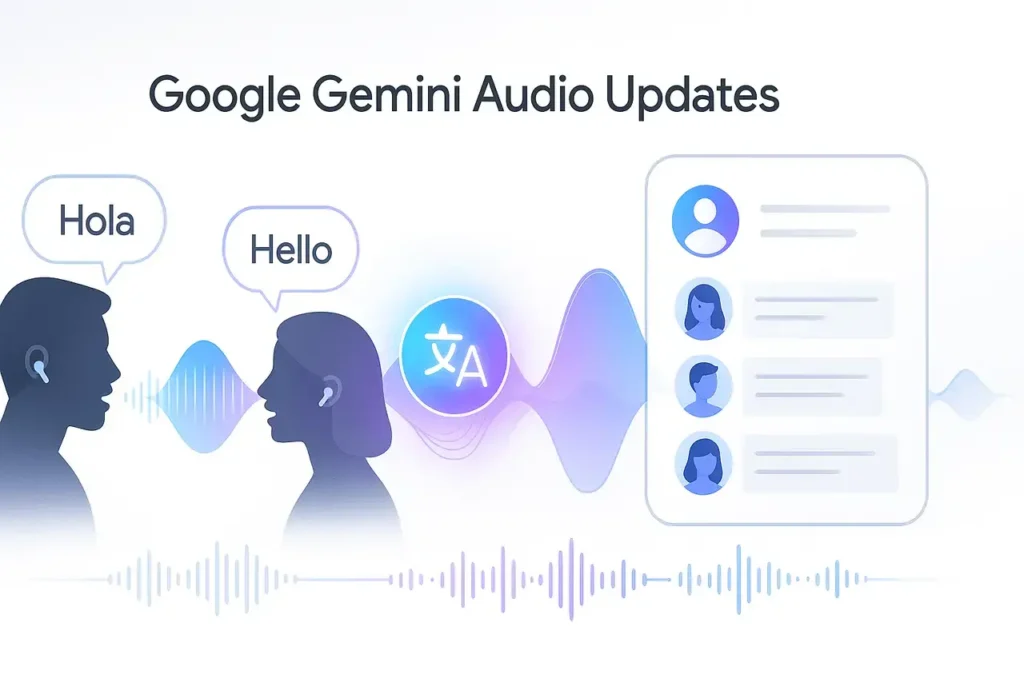
In professional environments, Gemini live translation offers significant advantages:
- Faster communication
- Reduced need for human interpreters
- Lower costs for international operations
- More inclusive global collaboration
It is especially useful for:
- Online meetings
- Customer support calls
- International conferences
Privacy and Control Considerations
When using live translation features:
- Always check microphone permissions
- Use secure networks when possible
- Be mindful of sensitive or confidential conversations
Google provides settings that allow users to manage permissions and data usage.
Troubleshooting Common Issues
Translation Delay
Cause: Long sentences or weak internet connection
Solution: Use shorter phrases and stable Wi-Fi
Incorrect Language Detection
Cause: Similar-sounding languages or accents
Solution: Manually select the language
Audio Quality Problems
Cause: Low-quality microphone or background noise
Solution: Use headphones and move to a quieter location
The Future of Gemini Live Speech-to-Speech Translation
As AI continues to evolve, Gemini live translation is expected to improve in several ways:
- Faster response times
- More languages and dialects
- Improved emotional tone and voice matching
- Deeper integration across apps and devices
In the near future, real-time translation may become a standard feature of everyday communication, much like text messaging is today.
Conclusion: A New Era of Human Communication
Gemini live speech-to-speech translation is more than just a translation tool — it is a bridge between cultures, languages, and people. By enabling natural, real-time conversations across language barriers, it transforms how we travel, work, learn, and connect.
Whether you are a casual user exploring the world or a professional managing global communication, Gemini live translation offers a powerful, accessible, and intelligent solution.
As the technology continues to expand and improve, the dream of effortless global communication is no longer distant — it is happening now.

FAQs
What is Gemini live speech-to-speech translation?
Gemini live speech-to-speech translation is an AI-powered feature that enables real-time voice translation by converting spoken language into instant spoken output, allowing natural multilingual conversations without typing.
How does Gemini live translation work in real time?
Gemini live translation listens to spoken input, processes speech using AI, and delivers speech-to-speech translation instantly, making real-time voice translation smooth and conversational across supported languages.
What devices support Gemini live speech-to-speech translation?
Gemini live speech-to-speech translation works on supported smartphones, tablets, and apps using microphones or headphones, enabling hands-free real-time communication through Gemini live translation technology.
Is Gemini live speech-to-speech translation accurate?
Yes, Gemini live speech-to-speech translation delivers high accuracy by understanding context, tone, and sentence flow, making it more natural than traditional speech-to-text AI translation tools.
When should I use Gemini live speech-to-speech translation?
Gemini live speech-to-speech translation is ideal for travel, international business meetings, online conversations, education, and any situation requiring fast, real-time multilingual communication.


 and then